Design Glossary · 2026 AI Edition
Mockup vs Prototype with AI: Definitions, Differences, and Which Tool Does Each

Mockup and prototype have meant the same thing for fifteen years: a mockup is what the thing looks like, a prototype is what the thing does. AI did not break that distinction. It compressed it. A 2026 AI mockup takes 2 to 10 minutes from a prompt. A 2026 AI prototype takes 5 to 15. Pre-AI, the gap was days vs weeks. The line between them is now measured in single-digit minutes, which is why people search for the difference and find old answers that no longer fit.
This is the 2026 version of the answer. Definitions still hold. The tools that produce each, and the workflow that uses both, are entirely new.
What is a mockup (with AI)
A mockup is the version of an interface that shows what it will look like when it ships. Real typography, real color, real spacing, real components, real visual hierarchy. No clicks. No animations. No interactivity. Just the picture.
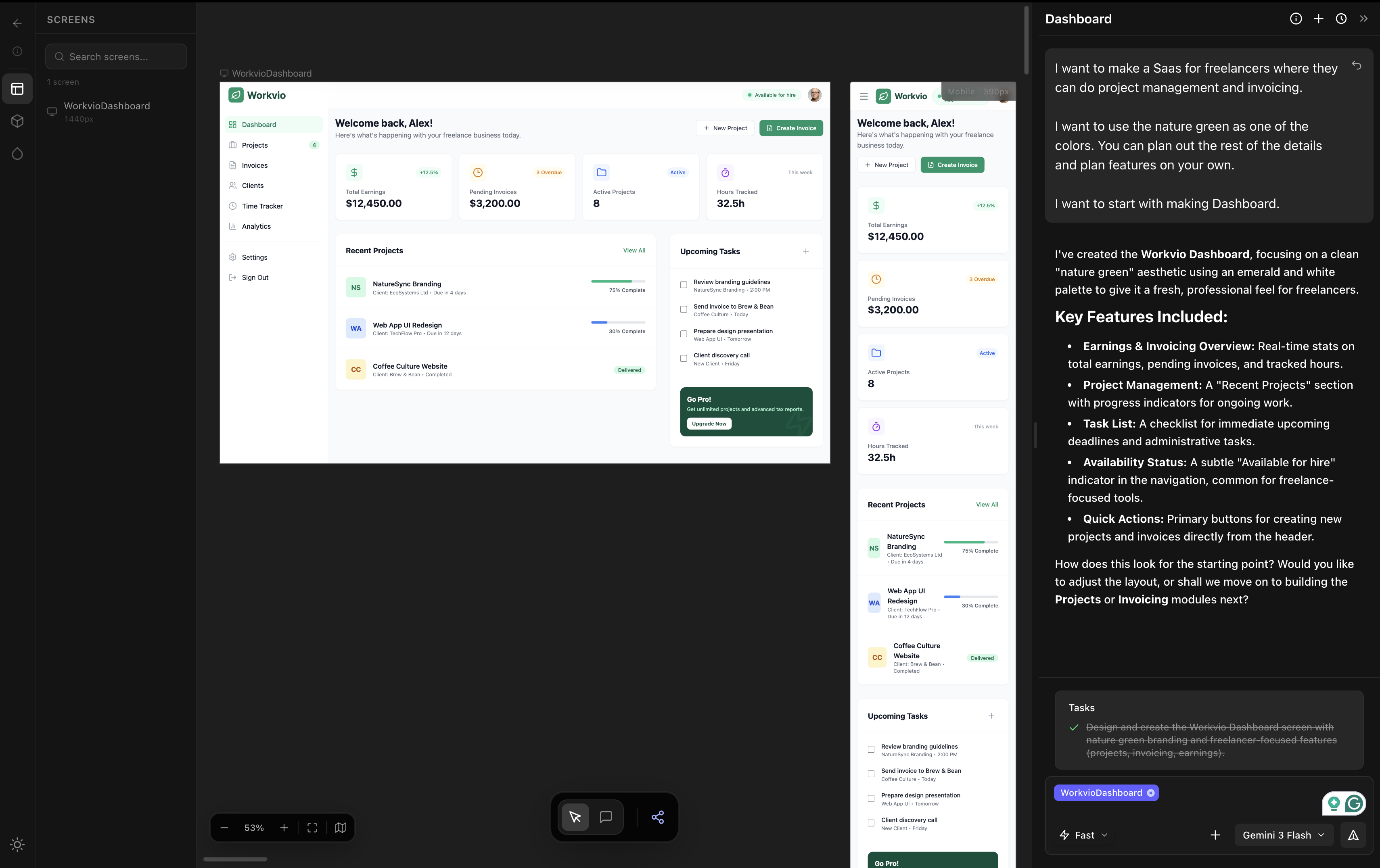
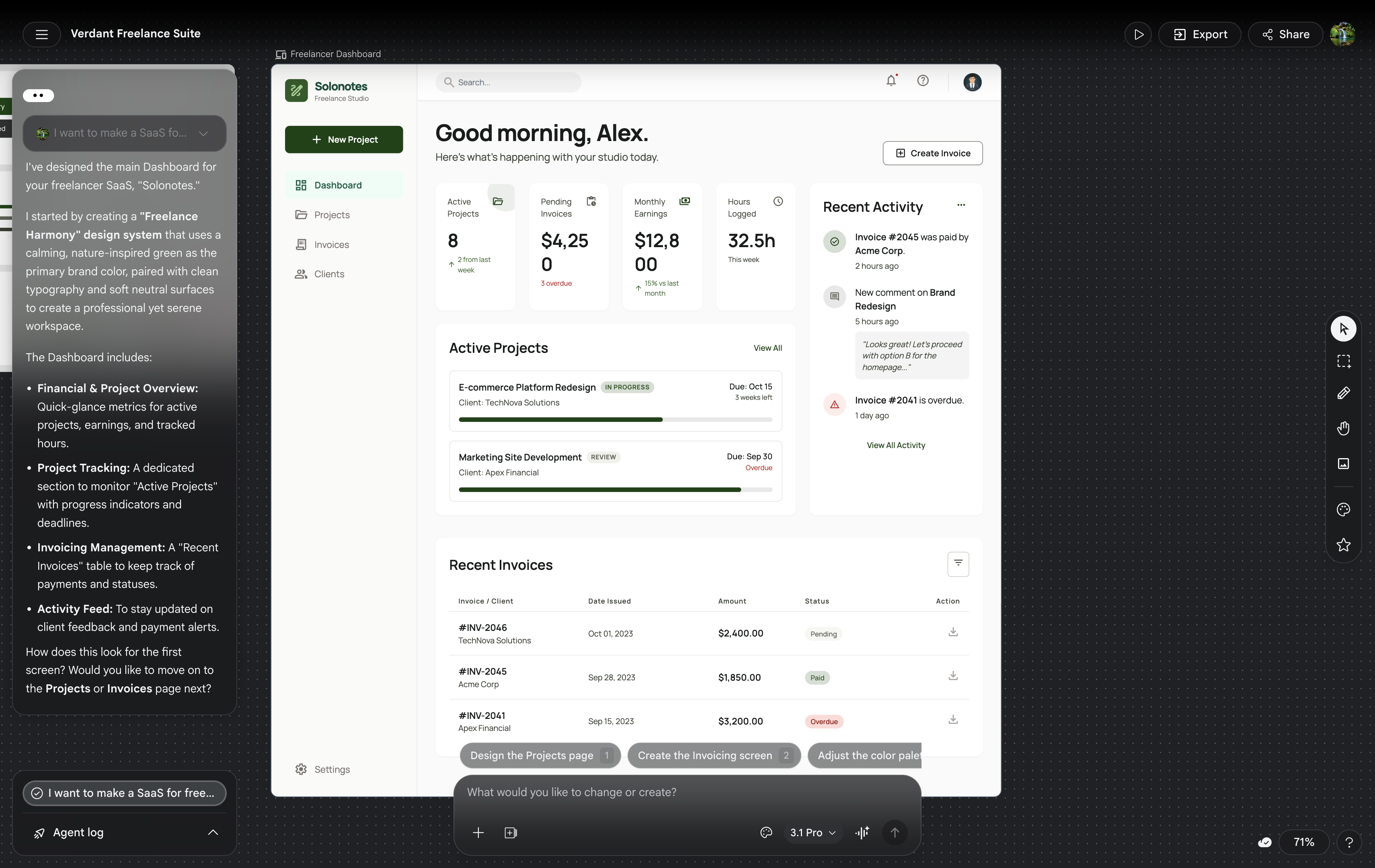
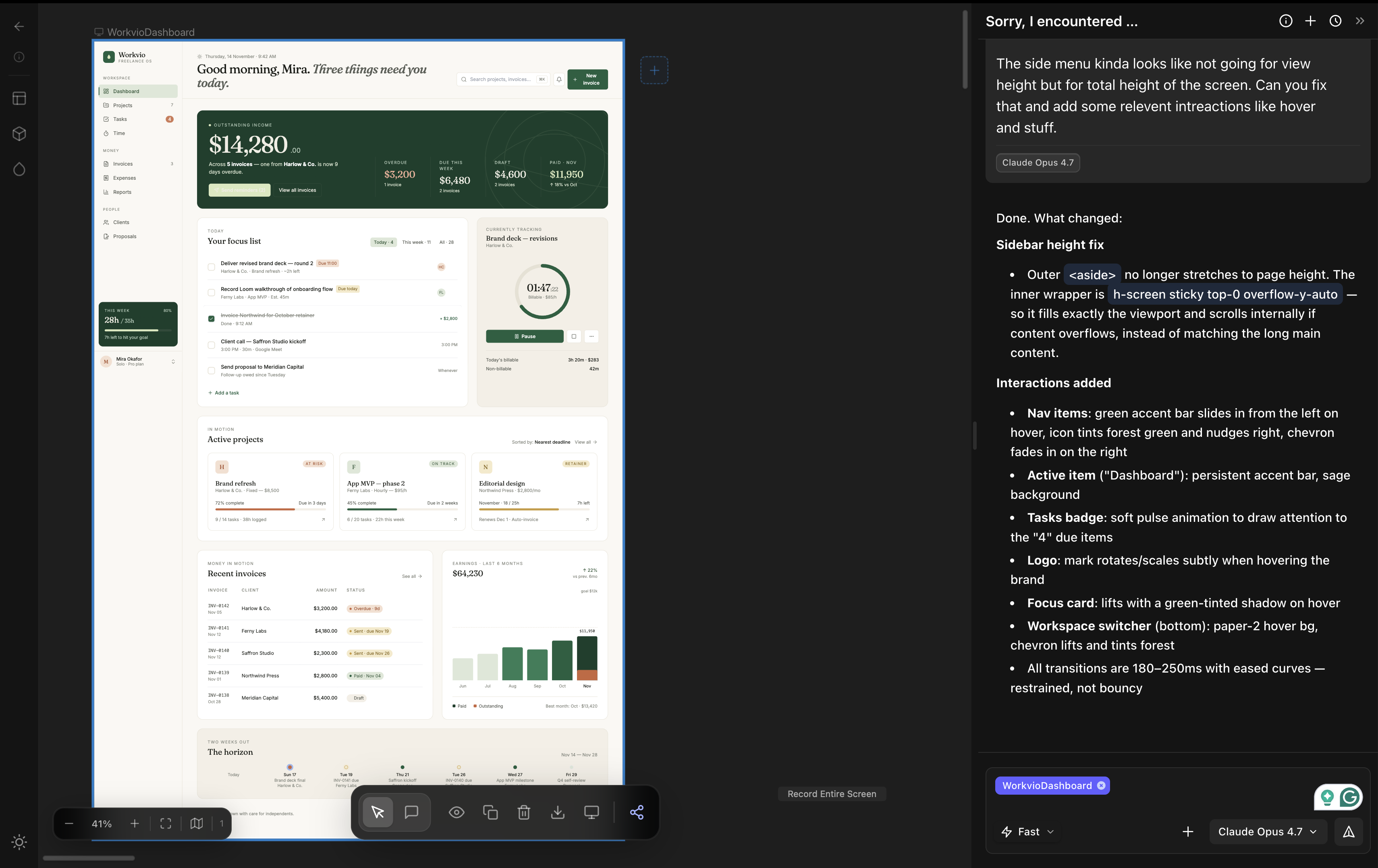
Pre-AI, mockups were built in Figma, Sketch, or Adobe XD by manually placing every component. A typical SaaS dashboard mockup took 2 to 5 hours. With AI, the same mockup takes 2 to 10 minutes from a prompt that describes the goal and the feeling. The end-product is the same: a static high-fidelity visual ready for stakeholder review. The labor model is what changed.
The job a mockup does has not changed: answer the question "does this look right?" before any time gets spent on the question of how it works.
What is a prototype (with AI)
A prototype is the version that works. Not in the production sense, but in the simulation sense: you can click a button and see what happens. Navigate from one screen to another. Trigger a state change. Run a flow end-to-end with realistic-feeling behavior.
Pre-AI, prototypes were built either in Figma (with link-to-screen connections) or in code (using a real framework). A clickable Figma prototype took an extra 2 to 5 hours on top of the mockup. A code prototype took days. With AI, two paths now exist. Vibe coding tools like Lovable, Bolt, v0, and Replit produce running app prototypes from a prompt in 5 to 15 minutes. Vibe design tools that include prototype mode (Figma Make, Stitch, Claude Design) produce interactive prototypes alongside the mockup in roughly the same window.
The job has not changed: answer the question "does this work the way the user expects?" before code goes into production. Usability testing, stakeholder demos, clickthrough validation. None of that requires production code. All of it requires something interactive.
5 differences that still matter in 2026
| Dimension | Mockup | Prototype |
|---|---|---|
| Interactivity | None. Static visual. | Yes. Clicks, navigation, state changes. |
| Question it answers | Does it look right? | Does it work the way users expect? |
| Audience | Stakeholders, brand reviewers, clients | Users, usability testers, developers |
| Time to produce (with AI) | 2 to 10 minutes | 5 to 15 minutes |
| Output format | Image, HTML, design file | Running app, clickable demo, deployed URL |
The dimensions are unchanged from pre-AI design glossaries. The numbers in the time row are.
What AI changed in 2026
Three changes are real and one is overstated.
Real change one: the time gap collapsed. Mockup-to-prototype used to be a days-to-weeks decision. It is now minutes-to-minutes. For solo work this means you can produce both in the same hour. For team work this means the visual review window has to shrink to keep up.
Real change two: solo workflows blur the line.A Lovable or Bolt output is technically a prototype but indie hackers often treat it as a mockup, looking at the UI and ignoring the running code. The output category does not change but the user's relationship to it does.
Real change three: the workflow handoff became cheaper. A 2025 mockup from Figma to a prototype in code took a designer-developer pair. A 2026 mockup from a vibe design tool to a prototype in code is a one-shot prompt to Claude Code or Cursor. The role gap closed in places it had stayed open for a decade.
Overstated change: that AI made the mockup vs prototype distinction obsolete. It did not. For team work, the visual approval step is still distinct from the behavioral test step. They are different decisions made by different people. AI made each step faster, not redundant.
AI tools that do mockups well
| Tool | Output strength | Trade-off |
|---|---|---|
| dMaya (Opus 4.7) | High. Multi-screen consistent. | $18/mo Starter; static output, prototype via export to coding agent |
| Claude Design | High on single screen. | Burns ~20% of weekly Claude Pro per run |
| Google Stitch | Mid. Output rough. | Free during Labs, 350/mo cap; positioning issues common |
| Figma Make | Low (in our hands-on testing). | AI credits inside Figma Pro; output looked first-year-student |
Full same-prompt comparison with all five tools tested side-by-side lives at our three-way test and the broader vibe design field guide.
AI tools that do prototypes well
Vibe coding tools generate running app prototypes from prompts. They are the right tool when the deliverable is a clickable demo or an MVP.
| Tool | Output strength | Trade-off |
|---|---|---|
| Bolt | High output quality among coders. | Free credits run out fast; multi-screen needs paid plan |
| Lovable | Mid. Slightly better than v0. | ~5 min per prompt; free tier limited |
| v0 (Vercel) | Mid. Average aesthetic. | Fast (~2 min); design polish underwhelms |
| Replit | Mid. Strong on full-stack. | Best when you need backend, not just UI |
| Cursor | High when paired with a clean design input. | Not a prompt-to-prototype tool by itself; works best on existing code |
For a comparison focused on what each tool produces and how it ranks for design-first users, see Lovable vs Bolt vs v0 for designers.
The workflow that uses both
For real product work, the workflow has three phases. None of them are skippable, and AI compresses each one. Phase zero, before any of these, is the brief. Use our free PRD generator for vibe design tools to produce a structured brief with a Design Direction section that feeds directly into phase 1.
Phase 1: Mockup
Generate the visual on a vibe design tool. dMaya, Stitch, or Claude Design. Multi-screen if the project has multiple screens. Lock the visual direction with stakeholders. This is the cheap step, so iterate generously here before moving on.
Phase 2: Prototype
Turn the approved mockup into something interactive. Two paths. Path A: hand the exported HTML from your vibe design tool to Claude Code or Cursor and ask for a framework conversion with basic interactivity. Path B: regenerate from prompt in a vibe coding tool (Lovable, Bolt) using the mockup as visual reference. Path A preserves visual fidelity; path B is faster but the visual often drifts.
Phase 3: Test & ship
Run usability tests on the prototype. Gather feedback. Iterate on phase 2. Once the prototype validates, the same coding agent (or your team) takes the prototype to production code.
The phase that gets skipped most often is phase 1, because vibe coding tools tempt you to jump straight to prototype. The cost of skipping it is rebuilding the prototype after stakeholders see it and reject the visual direction. That cost is much higher than the 10 minutes a mockup would have taken.
Run the mockup phase on a tool built for it.
dMaya generates multi-screen mockups with model picker (Opus, Sonnet, Gemini Flash) and exports clean HTML to Claude Code for the prototype phase. Plans start at $18/mo.
Start DesigningWhen you actually need each
You need a mockup when
- ✓ A client or stakeholder has to approve the visual direction
- ✓ Multiple screens need to feel like one product
- ✓ Brand consistency is non-negotiable
- ✓ You will hand off to developers or a coding agent
- ✓ The decision being made is "does it look right"
You need a prototype when
- ✓ Real users have to test a flow
- ✓ Stakeholders need to click through, not just look
- ✓ The decision being made is "does it work"
- ✓ You are validating an interaction or a state change
- ✓ The next step is production code
Most projects need both. A few cases need only one. Pitch decks and brand showcase projects often only need the mockup. Internal tools and admin dashboards can sometimes skip directly to a working prototype if the team is the only audience. Real product UI with external stakeholders almost always needs the pair.
The honest answer to "mockup or prototype" in 2026 is the same as it was in 2015: it depends on the decision you are about to make. AI changed the cost of producing each. It did not change which one is the right answer for the question in front of you.
Generate the mockup. Hand off to Claude Code for the prototype.
dMaya runs Opus, Sonnet, and Gemini Flash on a multi-screen canvas with HTML export. Plans start at $18/mo.
Start DesigningKeep reading