Figma Make · 2026 Hands-On Review
Figma Make Review (2026): Hands-On Test, Honest Take

Figma Make was Figma's answer to vibe design when Google Stitch popularized the category in March 2026. The pitch: stay inside Figma, generate frames and prototypes from prompts, refine in the editor you already use. The reality after running the same brief we used across six AI design tools: fastest tool in the test, weakest output.
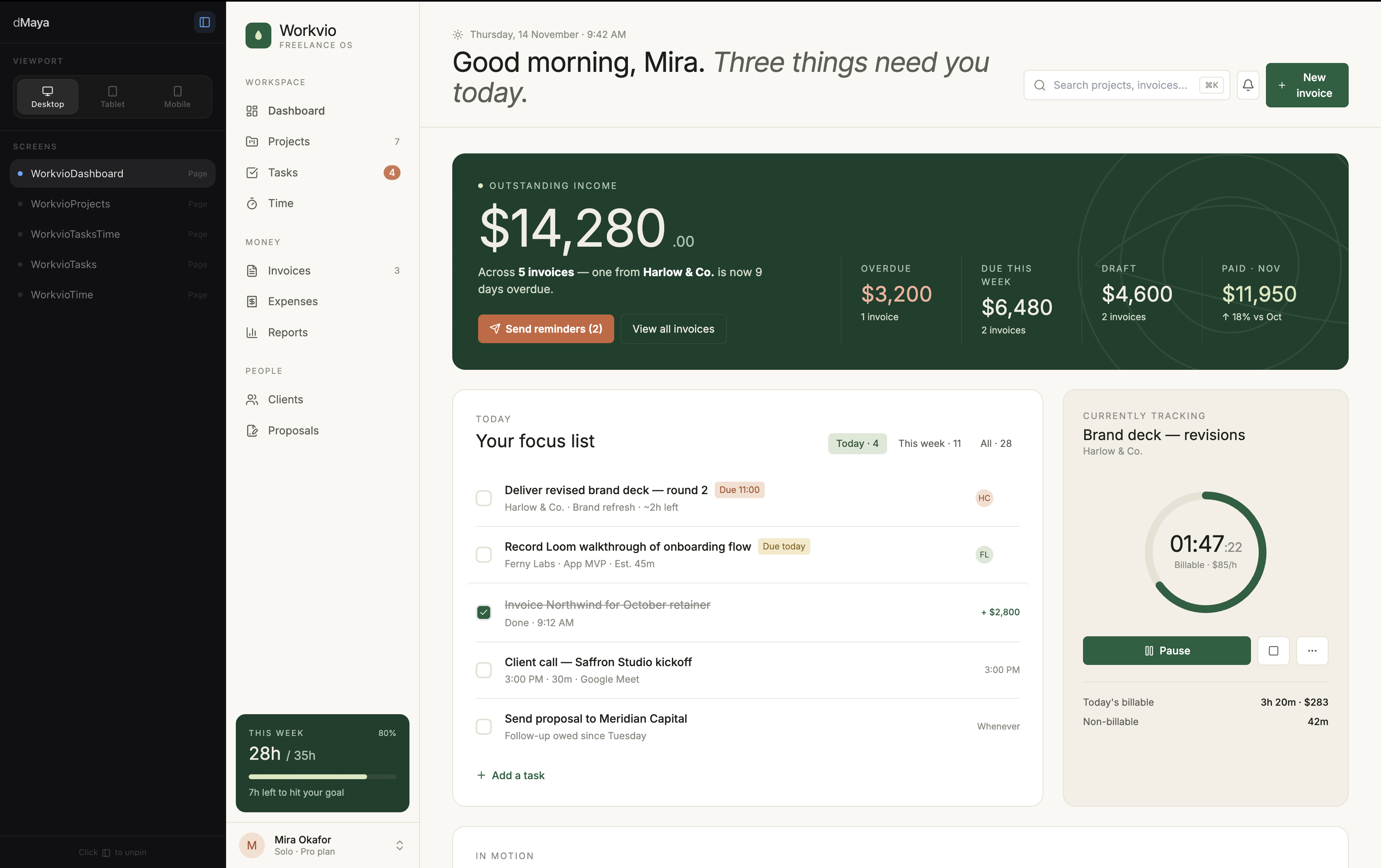
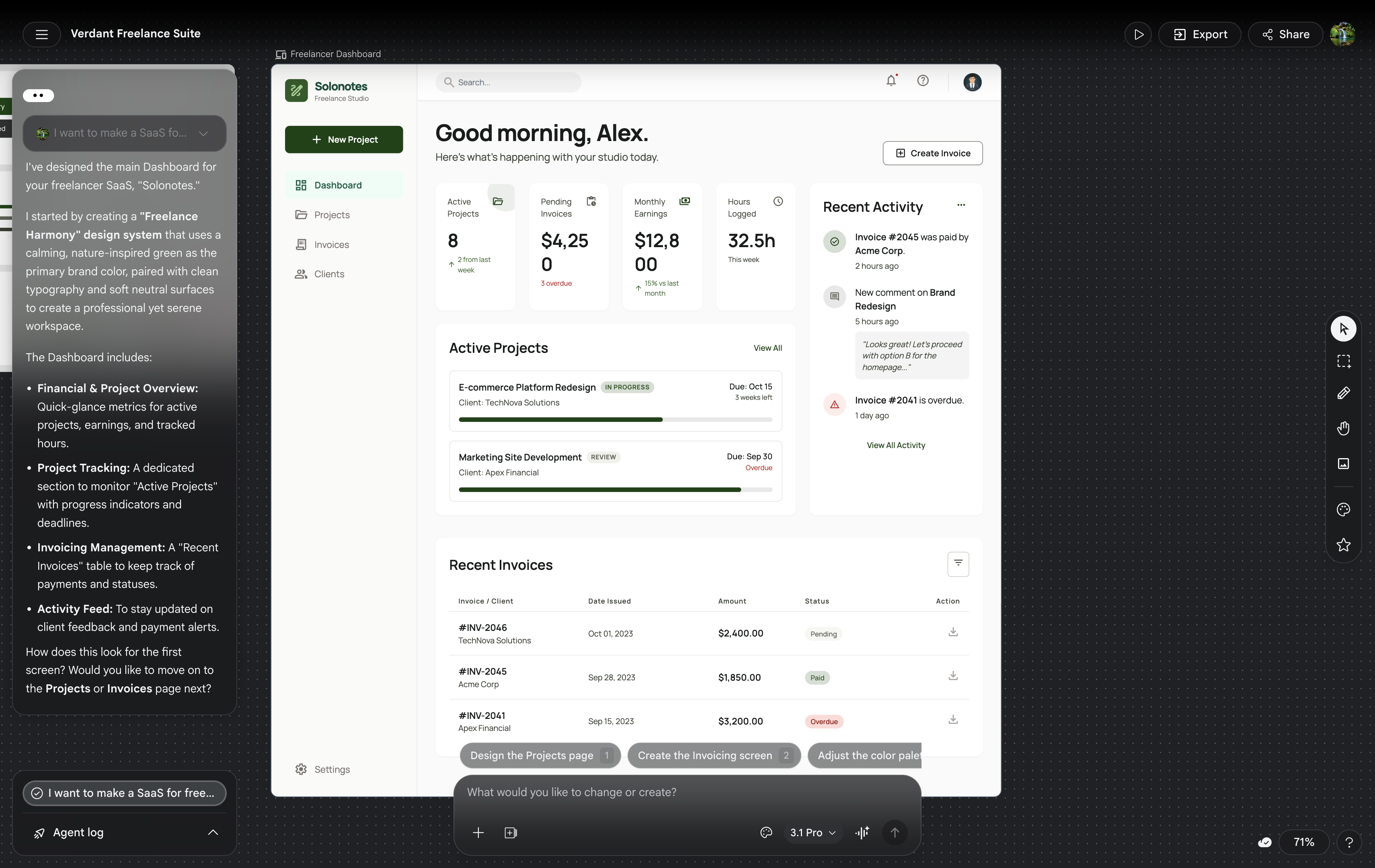
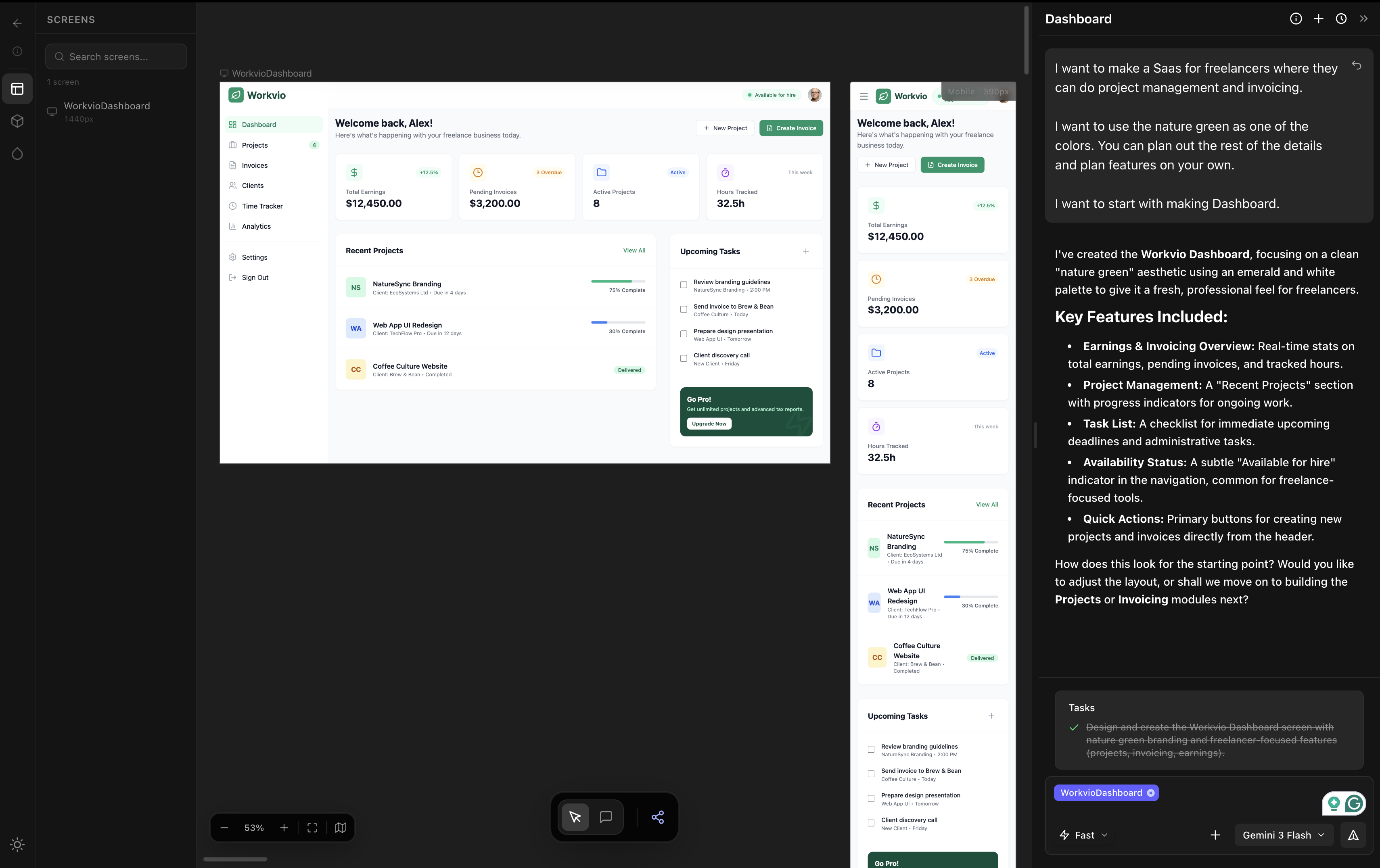
We are dMaya, one of the tools Figma Make competes with. The video below is real, produced from the same prompt every other tool got. Watch it before reading the take. The gap between Figma Make's output and the alternatives is visible in 60 seconds.
This is the honest review: where Figma Make wins, where it loses, what to use it for, and when to reach for something else.
What Figma Make actually is
Figma Make is Figma's AI design tool, launched in 2025 and updated through 2026. It runs Claude under the hood (the model is not user-selectable) and lives inside the Figma canvas you already use. Type a prompt, get frames, components, and optionally an interactive prototype back in your existing Figma file.
It was Figma's competitive response to Google Stitch and the broader vibe design category that emerged in March 2026. The strategic logic: keep designers inside Figma rather than letting them leave for prompt-first tools that own the design phase.
Output integrates with your existing components and design system, which is the differentiating selling point. Whether the integration produces work that respects your system in practice is a separate question we will get to.
The hands-on test
Same brief we ran across all six tools in our full prototype tool comparison:
I want to make a SaaS for freelancers where they can do project management and invoicing.

I want to use the nature green as one of the colors. You can plan out the rest of the details and plan features on your own.

I want to start with making Dashboard.
Figma Make handled it in under 60 seconds per prompt. Three screens generated in two prompts (dashboard from the first prompt, time tracking and all-projects screens from a second prompt asking for additional pages). The fastest tool in the entire six-tool test.
The output shipped fast. The output also looked weak.
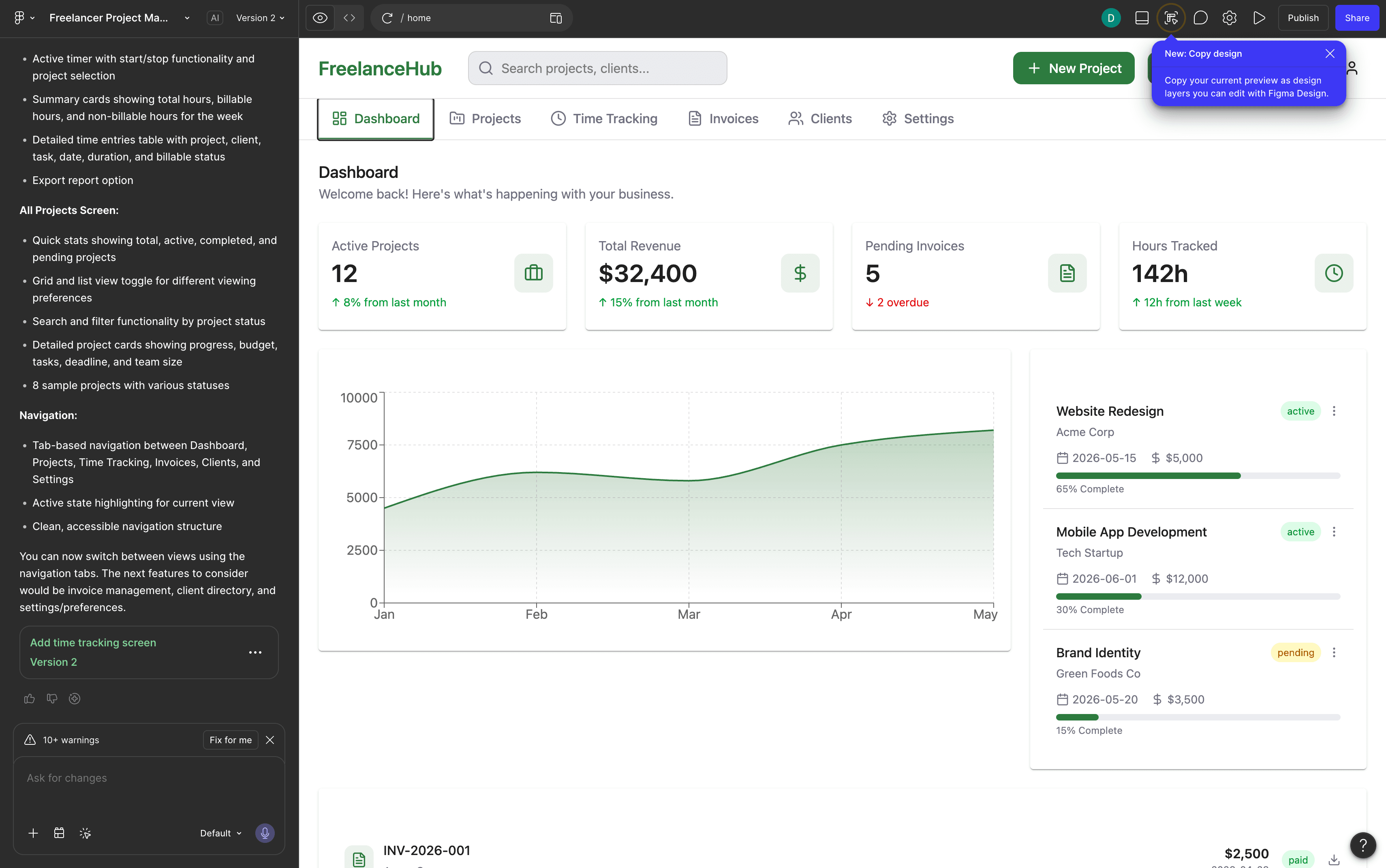
Generic typography. Weak visual hierarchy. Layout decisions that did not commit to the brief. Color choices that ignored the nature-green specification we asked for. The screen works in the "there is something there" sense but does not work in the "a designer made this" sense. The phrase that came up reviewing the output: first-year design student's first project.
Where Figma Make wins
- Speed. Fastest tool tested. Under 60 seconds per prompt. For throwaway exploration where speed beats polish, this is real.
- Inside Figma. Output lands in your existing Figma file. Normal Figma editing tools work on it. For teams already heavily invested in Figma, the friction floor is the lowest of any AI design tool.
- Multi-screen in one shot. Three screens from two prompts is genuinely useful. Many other tools either max out at one screen or need a Pro tier upgrade before they stretch to multiple.
- Component-aware. When your existing Figma file has components and styles, Figma Make uses them more often than tools that have no awareness of your design system at all.
Where Figma Make falls short
1. Output quality is the weakest in the category
On the same brief, dMaya (Opus or Sonnet) produced clearly stronger output. Bolt produced clearly stronger output. Even Lovable and v0, which we ranked as average, produced output that looked more committed than Figma Make's. Stitch was the one tool that ranked below Figma Make on output quality, and Stitch is at least free during Labs and honest about being rough.
2. The brief gets ignored
We asked for nature green as a color. The output used a desaturated muddy green that felt arbitrary. We asked for a freelancer SaaS for project management and invoicing. The output looked like a generic dashboard template that could have been generated for any SaaS in any vertical. The brief is not absent from the output, but it does not drive the output.
3. Generic visual signature
Run the same kind of prompt twice and the outputs share a visual signature: gray-on-white cards, system-default-ish typography, safe-corner-radius rounding, low-energy hierarchy. It is the AI-slop aesthetic the rest of the category has been working hard to escape. Figma Make has not yet escaped it.
4. AI credits run out
Figma Make is not free. AI credits are bundled into Figma plans, and serious use exceeds the included allotment fast. For evaluation, plan to upgrade or buy additional credits. The marketing positions Figma Make as included in your Figma subscription. The reality is per-generation cost on top of the seat license.
5. No model picker
Figma Make uses Claude under the hood. You cannot pick which Claude model. You cannot switch to Gemini for cheap exploration. You cannot pick Opus for hero direction. The single-model lock-in means you pay the same rate regardless of the work, which leaves either money or quality on the table compared to tools with explicit model pickers.
Pricing reality
Figma Make is bundled with Figma plan tiers and AI credit allotments. Figma Pro at around $16 per seat per month includes 3,000 AI credits per month. Heavy use requires upgrading the plan or buying additional credits. The pricing model is closer to OpenAI's API than to a flat subscription: you pay per generation.
For comparison: dMaya Starter at $18 per month includes the model picker (Opus, Sonnet, Gemini Flash). Stitch is free during Labs at 350 generations per month. Claude Design is included in Claude Pro at $17 to $20 per month. Figma Make is the most opaque pricing in the category.
What to use instead
Three honest alternatives, depending on what Figma Make is failing at for you.
| If Figma Make fails on | Reach for | Why |
|---|---|---|
| Output quality | dMaya | Higher output quality on the same brief, model picker per generation, multi-screen consistent, $18/mo Starter. |
| Cost | Google Stitch | Free during Labs (350/mo cap). Output rough but at least honestly so. Useful for exploration when budget is zero. |
| Polish on a single screen | Claude Design | Strongest output on a single hero screen. Burns weekly Claude Pro limit fast, so use sparingly. Included in Claude Pro at $17 to $20/mo. |
Full same-prompt comparison with all six tools tested side by side, with videos: The Best AI Prototype Tool in 2026.
Want stronger output for the same kind of brief?
dMaya runs Opus, Sonnet, and Gemini Flash through a per-generation model picker on a multi-screen canvas. Plans start at $18/mo.
Start DesigningWhen Figma Make is the right call
Use Figma Make when
- ✓ You are already inside Figma and need a rough first pass
- ✓ You will refine the output manually in Figma's editor
- ✓ Speed beats polish for the work in front of you
- ✓ You have AI credits and do not want to switch tools
Skip Figma Make when
- ✗ Output goes directly to a client without manual refinement
- ✗ Brand specificity matters in the brief
- ✗ Multi-screen consistency is non-negotiable
- ✗ You want to pick the model per generation
- ✗ Pricing predictability matters more than speed
The fairest read on Figma Make in 2026: it is a 1.0 product. Figma will keep iterating. The current output quality reflects that 1.0 status, and we expect the gap with stronger AI design tools to narrow over time. Right now, for a designer choosing where to spend AI credits today, the better picks live outside Figma.
We will rerun this test when Figma ships a major Make update. The current state is what we documented. Watch the video at the top of the post and judge the output against the alternatives in the full comparison.
Run vibe design on a tool built for output quality.
dMaya runs Opus, Sonnet, and Gemini Flash on a multi-screen canvas with HTML export to Claude Code. Plans start at $18/mo.
Start Designing