Cursor + Designers · 2026 Workflow Guide
Cursor for Designers in 2026: Visual Editor, Onlook, and the Design Phase Cursor Doesn't Have

Cursor used to be a developer tool. In 2026, it is a developer tool with a Visual Editor that designers can actually use, plus a community of designer-focused alternatives (Onlook, branded as "Cursor for Designers") plus skills and plugins that push Claude toward better visual output. The category got crowded fast.
Three questions matter for a designer in 2026. Is Cursor itself usable? Is Onlook the better fit? And what handles the design phase before either of them touches code?
We use Cursor in the dMaya workflow. Honest review of what it does for designers, what Onlook is, and where the design-first phase fits in.
What Cursor offers designers in 2026
Cursor was built as an AI-native code editor (a fork of VS Code) for developers. Through late 2025 and into 2026, it added designer-facing features. The most consequential are:
- Visual Editor. A traditional design panel combined with a natural-language chat agent. Edit fonts, spacing, corner radii, menu behavior visually. Ask the AI to make changes in plain English.
- Cursor 3 with Agents Window. Parallel agent execution and a Design Mode launched April 2026, letting designers run multiple visual iterations side by side.
- Skills ecosystem. Compatible with the Anthropic frontend-design skill and other plugins that push Claude toward stronger visual output.
- HMR + live preview. Changes show up immediately in a running browser preview. The shortest possible loop between edit and see.
For a designer comfortable with reading code, Cursor in 2026 is genuinely usable as a primary surface. For a designer who does not read code, the threshold is still real but much lower than it was a year ago.
The Visual Editor in detail
The Visual Editor is the feature that most directly targets designers. Open a running web app inside Cursor and edit it like you would in Figma: select an element, change its typography or spacing, adjust border radius, swap colors. The difference: every change you make is grounded in real code, so what you see is what ships.
The chat agent extends the manual controls. Tell it "make the hero card less contrasty and add subtle motion on hover" and it edits the underlying components. For designers who think in language as much as in pixels, this is the smoothest editing loop in any AI tool right now.
Real limit: the Visual Editor edits what already exists. It is an iteration tool, not a generation tool. You still need something that produced the running app in the first place. That is the gap a vibe design tool fills before Cursor enters the loop.
Onlook: positioned as Cursor for designers
Onlook is a separate product, branded explicitly as "Cursor for Designers". It is a visual code editor where the surface looks more like a design tool and the code layer is mostly hidden until you need it. Where Cursor is a code editor with design features added, Onlook is a design tool with code under the hood.
For designers who do not write code, Onlook has a lower friction floor. The visual surface is the primary one. Code is something you can drop into when needed but do not have to.
Real limit: Onlook is a younger product than Cursor with a smaller ecosystem and fewer integrations. For shipping production code, Cursor still has the edge on stack flexibility. For exploring ideas visually, Onlook is more comfortable.
The gap Cursor and Onlook don't fill
Both Cursor and Onlook are excellent at the build phase: editing running code with visual controls, generating components from prompts, iterating on a live preview. They are weak on the design phase that comes before code.
Concrete things they do not handle well:
- Multi-screen design exploration. Generating four screens of a SaaS product with a consistent visual language, before any code is committed.
- Stakeholder review. A non-technical client cannot install Cursor and comment on a running prototype. The friction is too high.
- Brand integration. Loading existing design tokens, typography rules, and component conventions into the generation step itself, not after the fact.
- Visual approval before code. The phase where you settle the look with stakeholders before any developer time is spent. Cursor and Onlook both want code to exist; neither produces a static high-fidelity mockup as the deliverable.
These are the jobs a vibe design tool handles. dMaya, Stitch, Claude Design, and Figma Make all live in this category. The difference between them is covered in our vibe design field guide.
The dMaya + Cursor workflow
For real product UI that has to ship, the workflow has four steps. The cost of skipping any of them is rebuilding work later.
Step 1
Generate the multi-screen design in dMaya
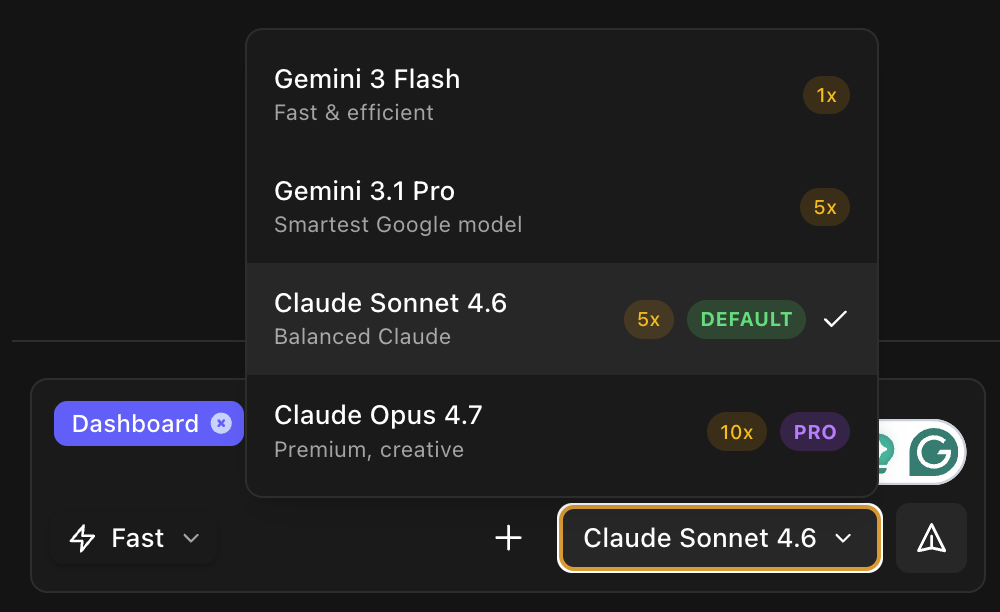
Pick the model: Opus for hero direction, Sonnet for fast iteration, Gemini Flash for cheap exploration. Generate every screen the product needs. Components stay consistent across screens because the canvas knows what the others look like.
Want a structured brief before you open dMaya? Use our AI PRD generator (free) to produce a PRD with a Design Direction section and ready-to-paste prompts for dMaya, Cursor, and Claude Code.
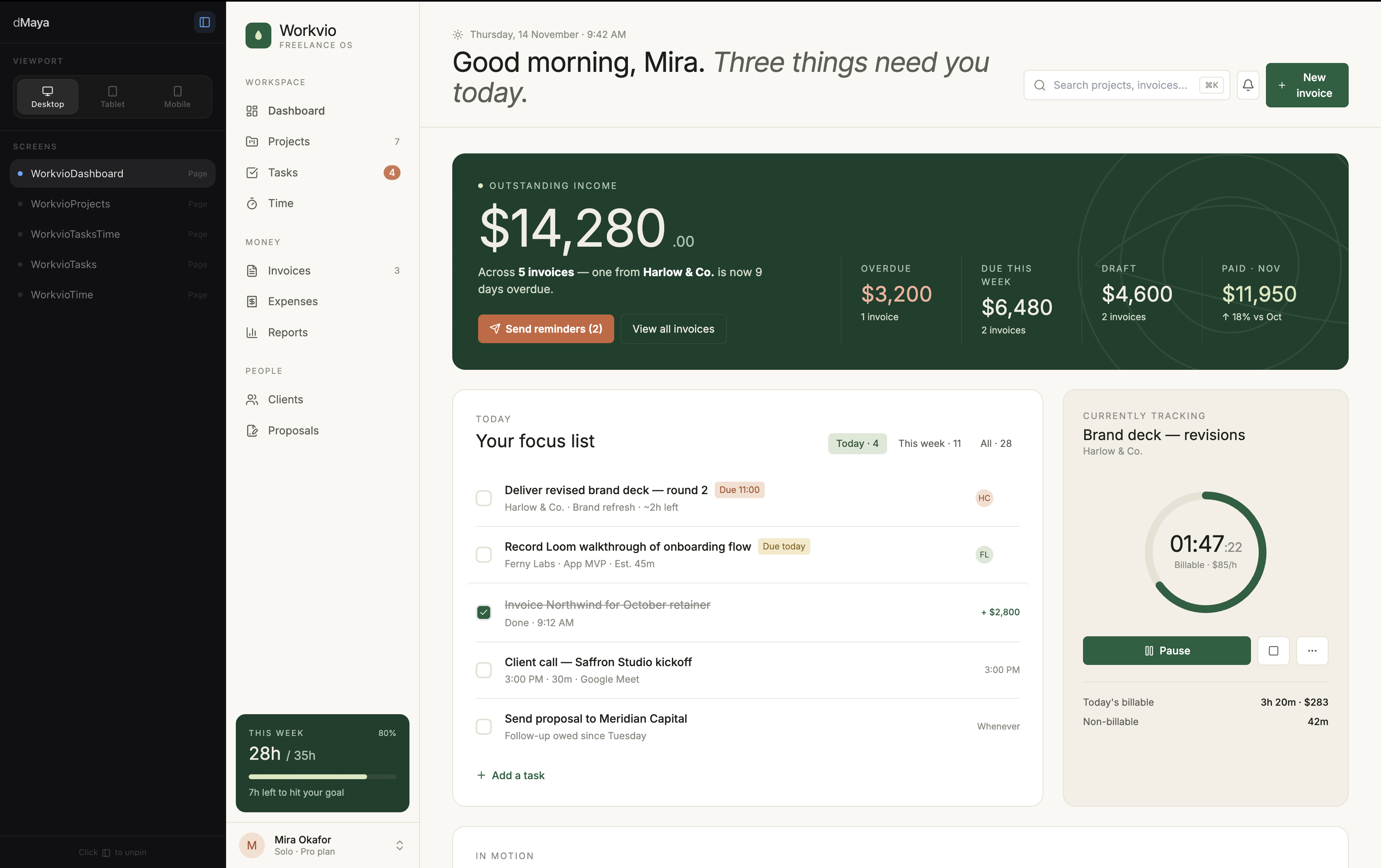
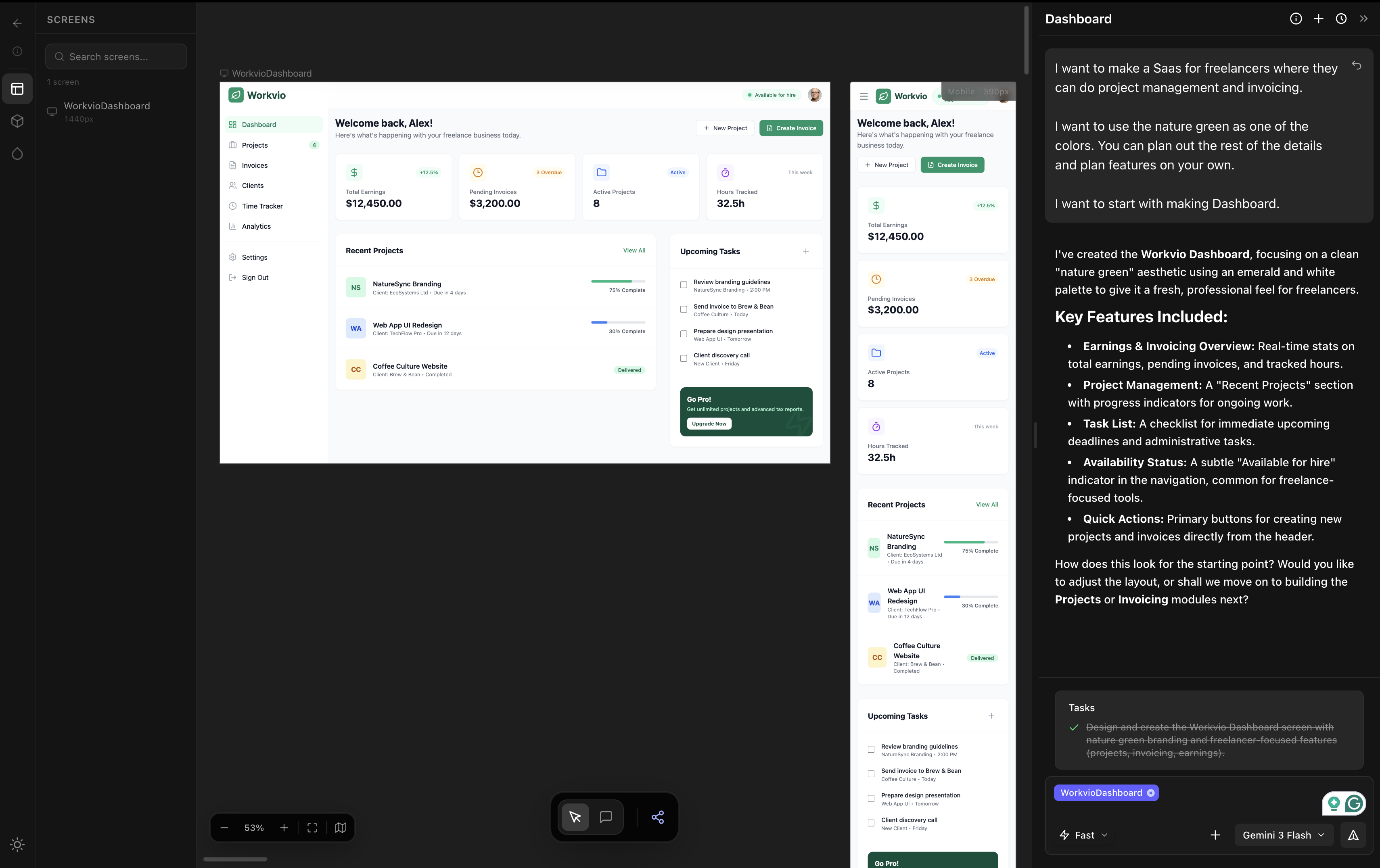
dMaya output on a freelancer SaaS brief. Three screens, consistent visual language, ~2.5 minutes with Claude Opus 4.7.
Step 2
Review with stakeholders
Share preview links. Get inline comments. Iterate visually without regenerating from scratch. This is the phase Cursor and Onlook cannot handle because they require code to exist; dMaya is just the canvas.
Step 3
Export clean HTML
HTML, not React. HTML is the lowest-friction input for any coding agent including Cursor, Claude Code, Codex, and Bolt. The export is deliberate, not a fallback.
Step 4
Cursor for the build phase
Paste the HTML into Cursor. Ask the chat agent to convert into your stack: Next.js, Remix, Flutter, React Native. Use the Visual Editor to iterate on the running result. This is where Cursor actually shines: editing real running code with visual feedback, not generating the design from scratch.
The pattern: vibe design first, vibe coding second. dMaya owns phases 1 to 3. Cursor owns phase 4. Trying to do all four in Cursor alone burns Cursor budget on visual decisions that should have happened on a design canvas.
Need to send Cursor's running output back to Figma for stakeholder review? Use our free Cursor to Figma converter to extract editable Figma layers from any localhost or deployed preview.
Run the design phase that feeds Cursor.
dMaya generates multi-screen designs with model picker (Opus, Sonnet, Gemini Flash) and exports clean HTML to Cursor or Claude Code. Plans start at $18/mo.
Start DesigningWhen to use which tool
Use Cursor when
- ✓ The design is settled and you are building
- ✓ You want visual iteration on running code
- ✓ You read code or are willing to pair with someone who does
- ✓ The stack is Next.js, React, or similar mainstream
Use Onlook when
- ✓ You want a more visual surface than Cursor
- ✓ You do not write code and prefer it stay hidden
- ✓ You are doing product-manager-level visual edits
- ✓ You are willing to trade ecosystem maturity for accessibility
Use dMaya before either when
- ✓ Multi-screen design needs consistency
- ✓ Stakeholders need to review before code
- ✓ Brand integration is non-negotiable
- ✓ You want to pick the model per generation
Use all three when
- ✓ You are running real product UI work
- ✓ dMaya for the design phase
- ✓ Cursor for the build phase + Visual Editor iteration
- ✓ Onlook for non-technical team members touching the running prototype
Cost reality
Cursor Pro is $20 per month. Onlook is open source and self-hostable for free; the cloud version is priced via direct sales (no public free SaaS tier). dMaya Starter is $18 per month. The real combined cost for a designer running a serious AI-native workflow in 2026: $38 to $40 per month total ($18 dMaya + $20 Cursor or comparable).
That sounds high until you compare to Figma+Adobe stacks ($75-100+ per month for similar coverage). It is also half what an agency spends on a single Figma seat in some setups.
The pricing reality is that AI-native design + dev workflow has a real but reasonable floor. Both tools earn their keep on the work they do, and skipping either ends up costing more in time spent on the wrong tool.
Pair dMaya with Cursor for the full vibe design + vibe coding workflow.
dMaya gives you Opus, Sonnet, and Gemini Flash on a multi-screen canvas with HTML export ready for Cursor. Plans start at $18/mo.
Start DesigningKeep reading