Claude Code · 2026 Curated Stack
The Claude Code Design Stack: 6 Skills That Actually Work Together

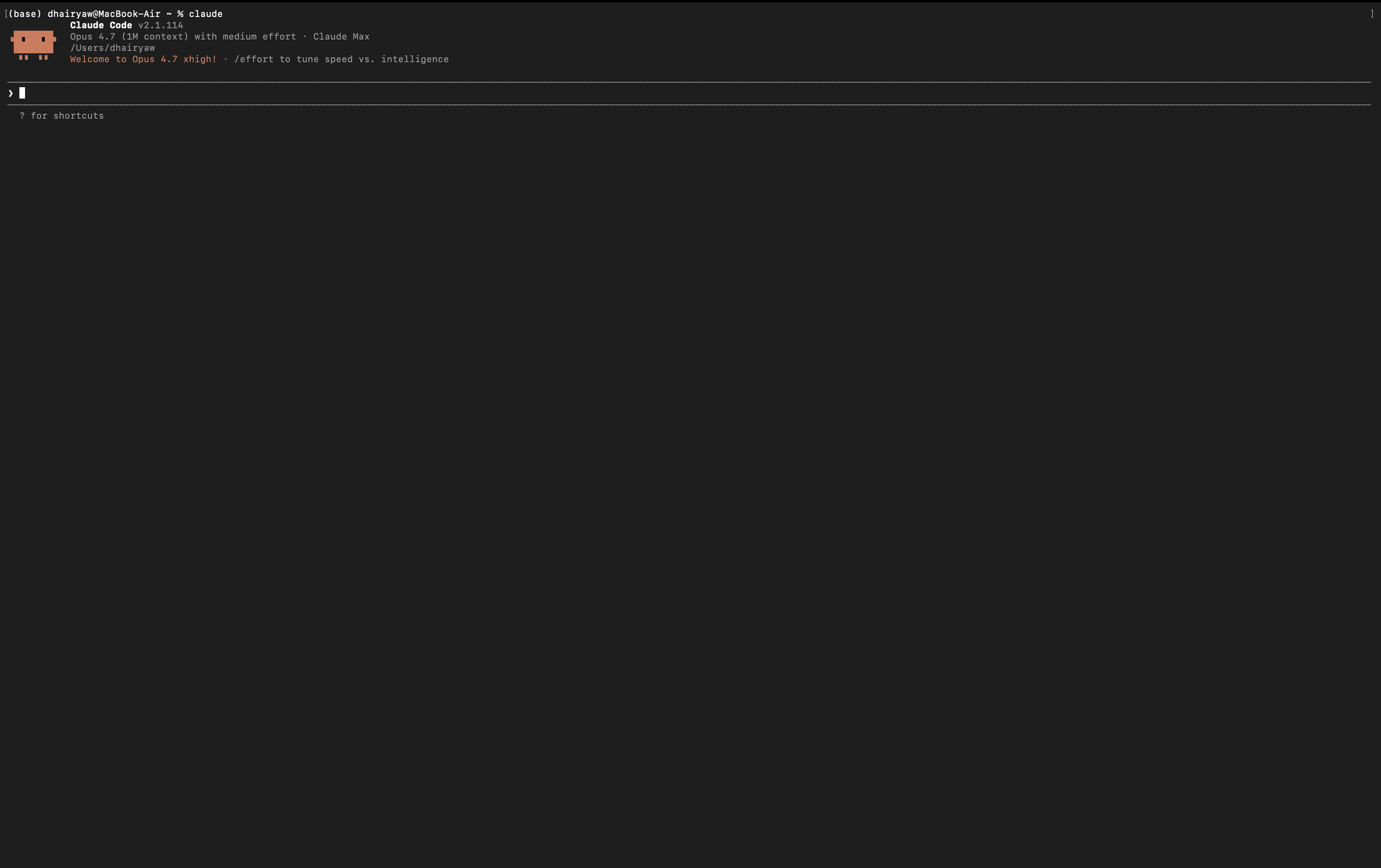
The Claude Code skills marketplace has hundreds of plugins now. Snyk lists 8 design skills. Medium has a top-10. Firecrawl runs to 13. The first reaction to all that choice is to install everything and let Claude figure it out. The first regret is the same: the more you install, the more Claude's context fills with skill descriptions, the harder it becomes to know which skill ran when something looked wrong, and the more your iteration loop fights itself.
A curated stack is better than an exhaustive list. This is the six-skill stack that covers the full design-to-shipped-code pipeline inside Claude Code without overlap, without filler, and with honest critique on each. We have run them on real client work and on dMaya itself. Six is the number that earns its keep.
At the end, the part that matters: the workflow gap no skill stack can close, and what actually ships product UI on top of the skills you install.
Why a curated stack beats an exhaustive list
Every skill you install adds its description to Claude Code's context so Claude can decide when to apply it. The Claude Code documentation calls out an important constraint: skill descriptions are loaded into context with a default character budget around 8,000 characters, and the per-skill cap is 1,536 characters. Past a certain point, the marginal skill you install starts displacing the description of one you already had. Claude does not know to invoke a skill it cannot see.
Beyond the technical cap, there is a softer cost: discovery paralysis. When you have 30 skills installed, knowing which one ran on a given output is hard. Iteration becomes guess-and-check. The agent skills marketplaces with 1,200+ skills are useful indexes for finding what exists. They are not install lists.
Six skills covering distinct concerns is the right ceiling for design work. Below is the set we use, with honest critique on each.
The 6 skills
Frontend Design (Anthropic)
Source: claude.com/plugins/frontend-design · Installs: 564,908+ · License: Open source
The most-installed skill in the marketplace, and the obvious anchor of the stack. It loads roughly 1,300 tokens of design philosophy into context before Claude writes code, banning overused fonts (Inter, Roboto, Arial, system fonts) and forcing a commitment to a specific aesthetic direction (brutalist, maximalist, retro-futuristic, editorial, others). Output is meaningfully better than vanilla Claude Code on a one-shot landing page.
Honest critique: the bias toward bold aesthetics works against enterprise dashboards and internal tools that need restraint. Repeated use produces a recognizable signature (bold display fonts, dramatic gradients, asymmetric grids). For a deeper dive on its limits and the workflow it does not solve, see our field manual on the Frontend Design skill.
Web Design Guidelines (Vercel Labs)
Source: vercel-labs · License: Open source
The audit pass that Frontend Design does not do. Web Design Guidelines reviews generated output against accessibility, semantic HTML, ARIA, and modern web standards. Where Frontend Design pushes Claude to commit to an aesthetic, this skill makes sure the aesthetic does not break a screen reader or fail a contrast ratio.
Honest critique: the audit is rule-based, so it catches what its rules define. Subtle accessibility failures (focus order, dynamic announcements, motion sensitivity) still need human review. Run it on every meaningful output, not as a one-off.
React Best Practices (Vercel Labs)
Source: vercel-labs · License: Open source
The performance pass for React output. The skill nudges Claude toward correct memoization, server-component-first thinking, image and font optimization, and avoiding common React pitfalls (effect overuse, prop drilling for global state, prematurely client-rendering everything). For teams shipping on Next.js, it is genuinely useful.
Honest critique: Vercel-flavored. The opinions reflect Next.js conventions, which is a feature for Next.js users and a constraint for everyone else. Pair with your own framework-specific skill if you ship in something other than Next.js.
Composition Patterns (Vercel Labs)
Source: vercel-labs · License: Open source
The skill that nudges Claude toward better component API design: reasonable prop surfaces, useful defaults, composable building blocks rather than monolithic-prop-soup components. The output difference shows up most when you ask Claude to build a third or fourth iteration of a similar component and the API stays consistent across the set.
Honest critique: patterns are opinions, and opinions are sometimes wrong for your codebase. If your team has its own component conventions, encode them in a custom SKILL.md and put your skill above this one in install priority.
Design Review (Playwright-based)
Source: community Playwright MCP skill · License: Open source
The most underrated skill in the stack. Design Review uses Playwright MCP to take screenshots of generated output, runs them back through Claude with structured analysis prompts, and proposes specific fixes. Catches sparse layouts, contrast failures, dark mode issues, missing focus states, and incorrect chart ordering. Sometimes applies the fixes itself.
Honest critique: requires a working Playwright setup, which is a one-time install but a real one. Output quality on the analysis depends heavily on the prompt template you use. Worth the time to invest in customizing it.
Webapp Testing (Anthropic)
Source: official Anthropic · License: Open source
The full-browser testing pass. Webapp Testing drives a real browser through your generated UI, exercising flows the design must support: form submission, navigation, state changes, edge cases. Different from Design Review (visual analysis); this is functional testing.
Honest critique: testing as a skill works best on flows you can describe in plain English. Complex multi-step user journeys still benefit from handwritten Playwright or Cypress tests. Treat it as the first pass, not the last word.
How the 6 skills fit into a pipeline
The skills earn their keep when they run in the right order on the right work.
| Phase | Skill | What it produces |
|---|---|---|
| Generate | Frontend Design | UI with committed aesthetic, not generic AI output |
| Audit (a11y) | Vercel Web Design Guidelines | Accessibility and standards-compliant markup |
| Audit (perf) | Vercel React Best Practices | Performance-correct React patterns |
| Refactor | Vercel Composition Patterns | Clean component APIs, reusable building blocks |
| Visual review | Design Review (Playwright) | Screenshot-based catches and proposed fixes |
| Functional test | Webapp Testing | Flow-level confirmation that the UI does what it claims |
Run them in this order on a meaningful chunk of work, not on every keystroke. The pipeline is for the moments where you want a piece of UI ready to ship, not for the iteration loop that comes before that moment.
After the pipeline produces shippable UI, designers reviewing it without code access often want it in Figma. Use our free Claude Code to Figma converter to send the output to Figma without the official MCP setup.
Install order and setup
Practical sequence for a fresh Claude Code install:
- Update Claude Code to 2.0.13 or higher (plugin marketplace requires it).
- Install Frontend Design from claude.com/plugins/frontend-design via the "Install in Claude Code" button.
- Add the Vercel Labs marketplace and install Web Design Guidelines, React Best Practices, and Composition Patterns.
- Install Webapp Testing from the official Anthropic skills marketplace.
- Install Design Review from the community Playwright MCP skill repo. Configure Playwright once.
- Restart Claude Code so it loads the new skills into context.
Skills are invoked automatically on relevant work, or explicitly with /frontend-design, /design-review, and the equivalent commands for each.
Skills cover the build phase. dMaya covers the design phase.
Iterate on a multi-screen canvas with model picker (Opus, Sonnet, Gemini Flash), then export clean HTML to Claude Code with the skill stack applied. Plans start at $18/mo.
Start DesigningWhat no skill stack can solve
Every skill in the stack runs at code-generation time, on a single file or component, in a single Claude Code session. That sounds fine until you list the four things real product UI work needs that no generation-time skill can deliver.
Limit 1
Multi-screen consistency
Each skill invocation is independent. Screen 1 and screen 5 of the same product drift because the skill cannot see the others. You hand-align components after the fact.
Limit 2
Brand and design-token integration
Skills do not load your existing typography, palette, or component library. Each generation invents an identity. For agency work, this is unworkable.
Limit 3
Client preview and review
No skill creates a shareable preview link or an inline-comment surface. Non-technical stakeholders cannot review skill output without installing Claude Code.
Limit 4
The Claude Pro 5-hour session limit
Heavy iteration on the design phase burns the rate window fast. The more skills you run, the more context loads per call. One full pipeline pass on a complex screen can cost meaningful budget.
These are not bugs in the skills. They are the wrong abstraction for the design-phase work. Skills are generation-time modifiers. Design review, brand integration, and stakeholder collaboration are different categories of work that need a different surface.
The workflow that ships product UI
The fix for the four limits is not a seventh skill. It is a different surface for the design-phase work, with the skill stack applied at the build-phase work where it actually belongs.
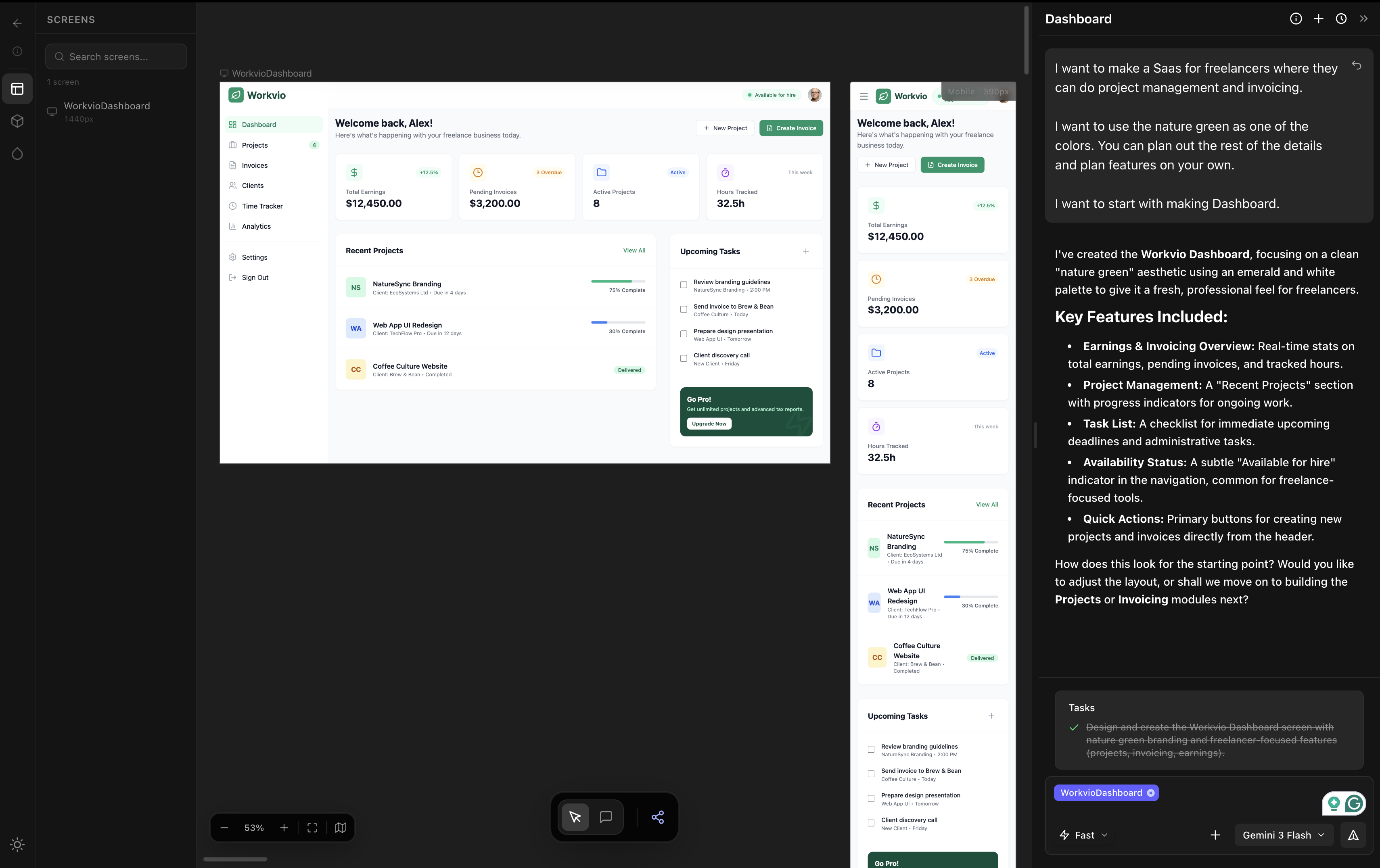
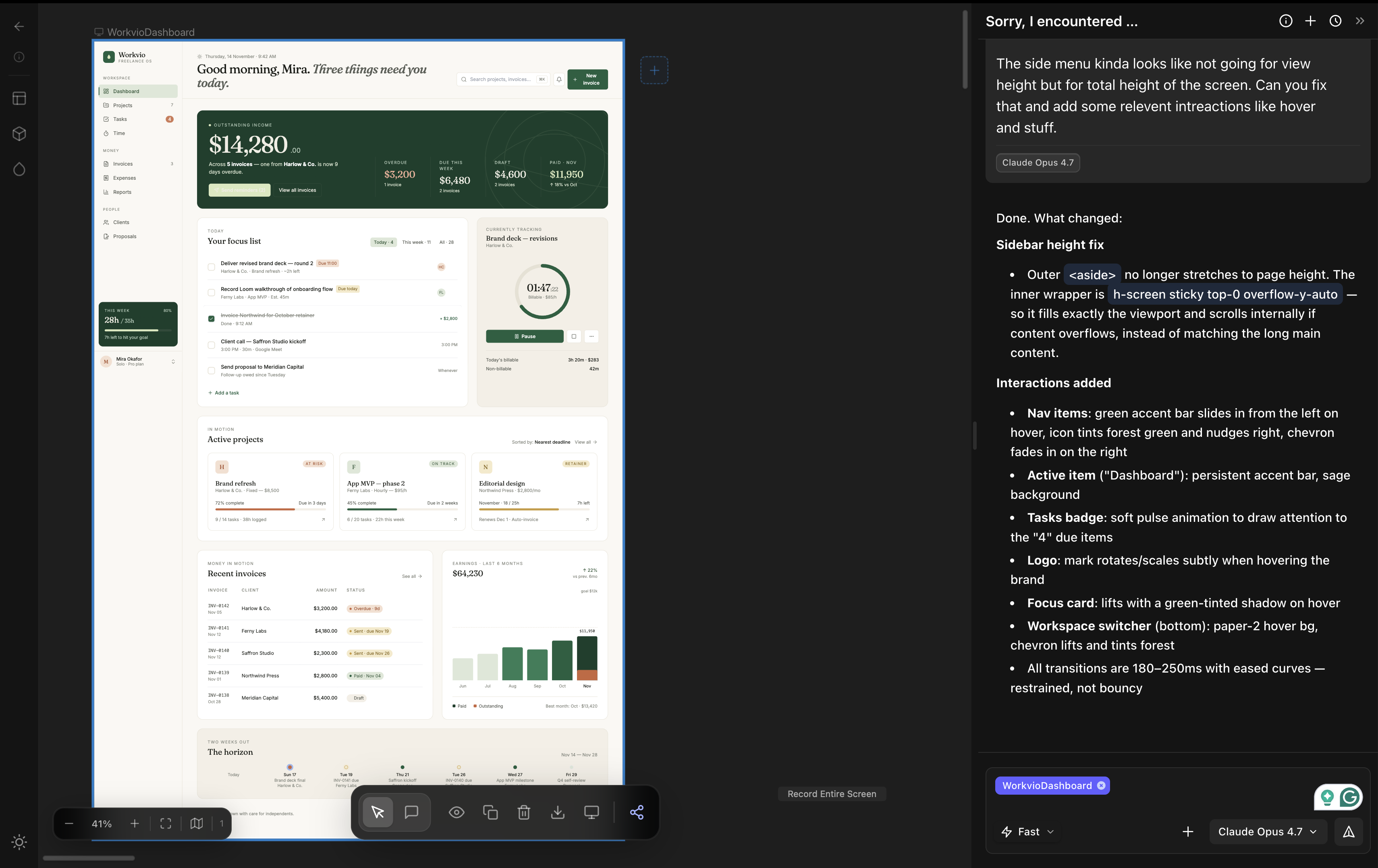
- Design phase: vibe design tool. Open dMaya. Pick the model per generation (Opus for hero direction, Sonnet for fast iteration, Gemini Flash for cheap exploration). Generate the full multi-screen design on a persistent canvas. Components stay consistent. Brand tokens propagate. Preview links work for client review. This phase solves limits #1 through #4 outright.
- Handoff: clean HTML export. dMaya exports HTML on purpose, not React. HTML is the lowest-friction input for any coding agent.
- Build phase: Claude Code with the 6-skill stack. Paste the HTML into a new Claude Code session. Ask for the framework you ship in: Next.js, Flutter, React Native, PHP. The 6 skills run at this stage exactly the way they were designed to. Frontend Design polishes the rewrites. Web Design Guidelines audits the output. React Best Practices makes the components fast. Composition Patterns keeps the API clean. Design Review catches what the eye missed. Webapp Testing confirms the flows.
The skill stack and the vibe design tool are not in conflict. They cover different phases of the same product cycle. Use both. For the deeper conversation on this split, see our vibe design field guide and the single-skill deep dive on Frontend Design.
Run the design phase on a real canvas. Save the skill stack for the build.
dMaya gives you Opus, Sonnet, and Gemini Flash on a multi-screen canvas with HTML export ready for Claude Code. Plans start at $18/mo.
Start DesigningKeep reading