AI Design Workflows · 2026 Guide · For Norwegian teams
You're not really converting Figma to code. You're designing in the wrong tool first.

You know the drill. Open Figma, build a screen, run it through Anima or Builder.io or Locofy, get a folder of React components back, spend three hours cleaning up inline styles and rebuilding layout.
In 2026, that workflow is one generation behind. The winning move is not a better Figma-to-code plugin. It's skipping Figma for the design step entirely, exporting clean HTML, and letting your coding agent (Cursor, Claude Code, Bolt) do the conversion to the framework you actually ship in.
The replacement workflow
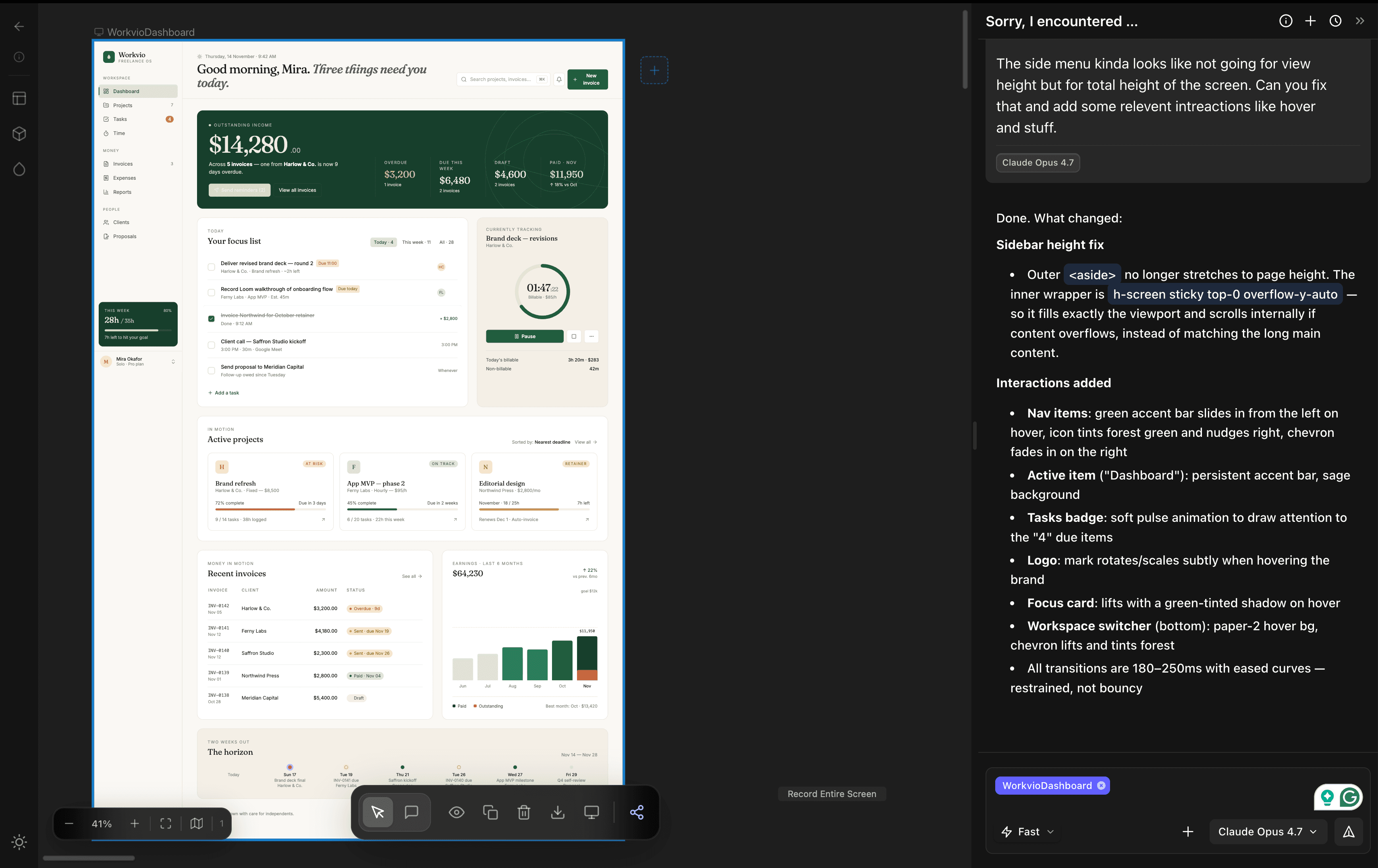
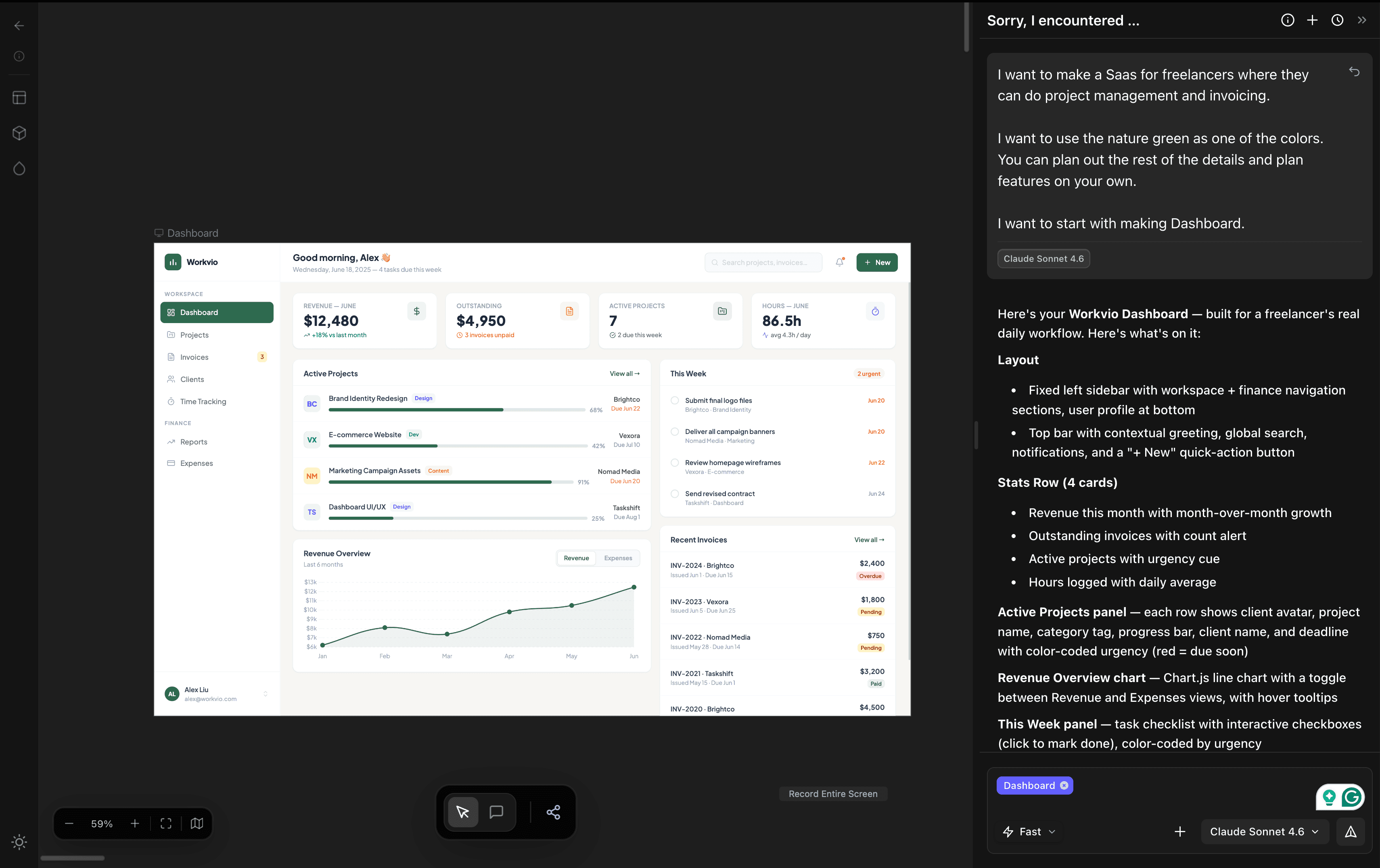
- 1. Design in a prompt-first tool, not Figma. dMaya builds a canvas with a design system that stays consistent across screens.
- 2. Export clean HTML, not React. HTML is framework-agnostic and every coding agent speaks it fluently.
- 3. Hand the HTML to your coding agent. Cursor or Claude Code converts to React, Vue, Flutter, or your stack.
Full analysis
Complete workflow, comparison table, and verdict in the full guide.
Frequently Asked Questions
Skip the plugin. Try the new workflow.
Describe a screen. Watch the canvas fill in. Export HTML. Hand it to your agent.
Start Designing